
The phone rings while every technician is under a vehicle. A customer leaves no message. Another booking sits on a scrap of paper that nobody can find on Thursday. By Friday, one slot is double-booked and another is empty.
If you're searching for an online booking system for garages, you're probably tired of that cycle. You want customers to book when it suits them, you want the diary to stay accurate, and you want your team working on vehicles, not answering the phone all day.
At 4xcode.com, we build software for UK garages and workshops. This guide explains how online garage booking works, which features matter, whether you need a simple booking tool or a full garage management system, what to ask about cost, and how to get started without disrupting the workshop.
What Is an Online Booking System for Garages, and How Does It Work?
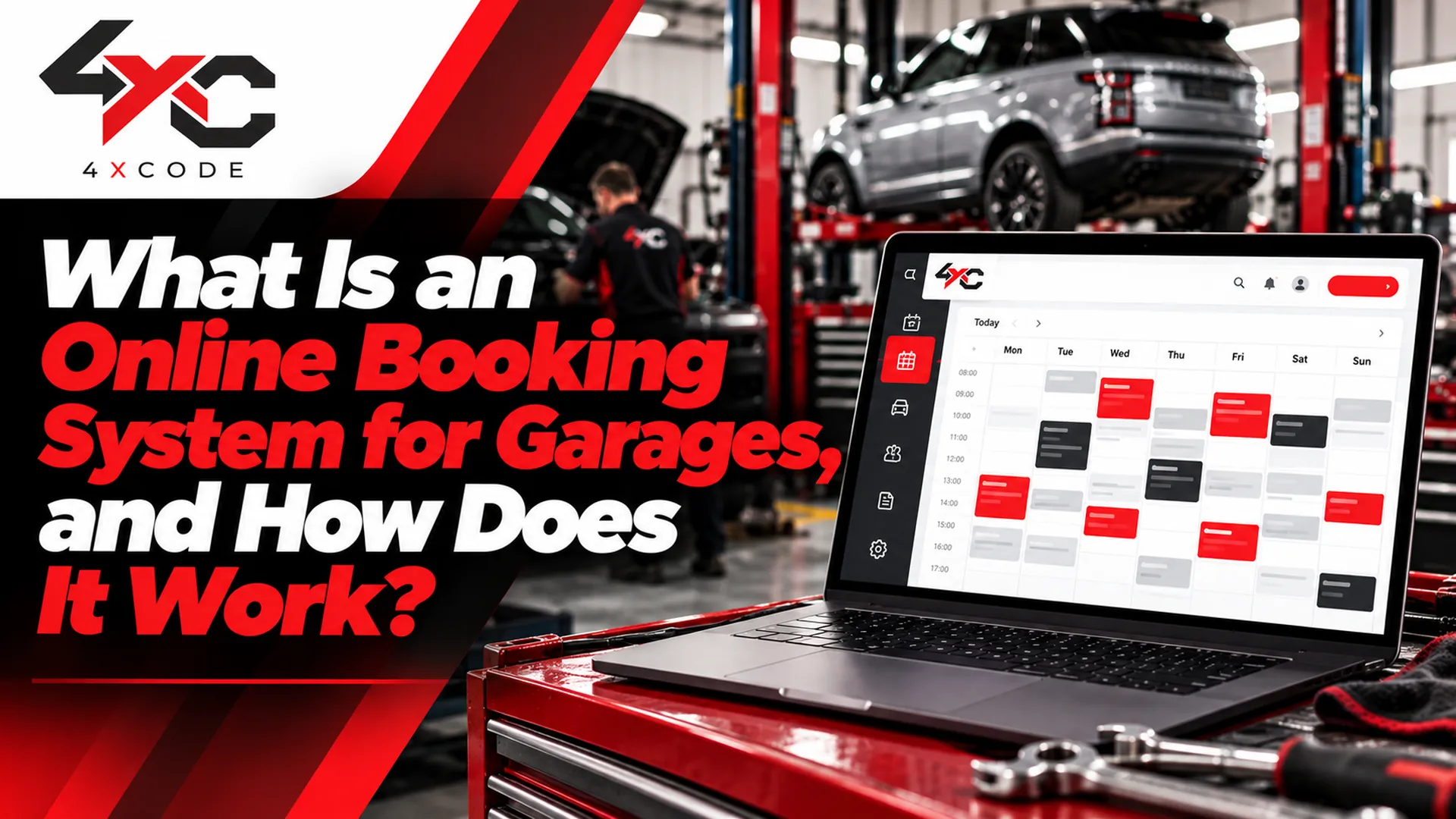
An online booking system for garages lets customers choose a service and a time online, sends the booking into your workshop diary, and then handles confirmations and reminders automatically. Customers can book at any hour, and your team sees the appointment without anyone taking a call.
Here's what the journey looks like from each side.
For the customer:
- They choose a service, such as an MOT, a full service or a repair.
- They enter their vehicle registration and contact details.
- They pick an available time slot.
- They receive a confirmation and, later, a reminder.
For the garage:
- The booking appears in the digital workshop diary.
- The system blocks that time so it can't be sold twice.
- Reminders go out by email or SMS, depending on your setup.
- Customers can reschedule or cancel without phoning in.
Two distinctions are worth understanding before you compare products.
Instant confirmation versus booking requests. Some systems confirm an appointment the moment the customer selects a slot. Others collect a request that the garage must approve. Both are legitimate, and they suit different workshops. A busy MOT centre may prefer instant confirmation. A garage that quotes for complex repairs may want to review each request first. Whichever model you use, make sure the customer is told clearly what happens next.
Real availability versus a simple calendar slot. A calendar showing empty hours isn't the same as real capacity. A genuine booking system should account for how long each job takes, which technician has the right skills, how many ramps or bays are free, and your opening hours. Without those rules, online bookings can create problems instead of solving them.
Which Features Should a Garage Booking System Include?
Features vary widely between products, so use this table as a checklist when you evaluate any system, including ours.
Feature | What it does | Why it matters to a garage |
| Booking widget or hosted booking page | Lets customers book from your website or a dedicated page | Captures bookings without a phone call |
| Live availability | Shows only the slots you can genuinely offer | Reduces overbooking and awkward calls to rearrange |
| Workshop diary with technician and bay scheduling | Organises work by person, ramp and time | Keeps the day realistic and balanced |
| Email and SMS reminders | Sends appointment confirmations and reminders | Helps cut no-shows and last-minute gaps |
| Rescheduling and cancellations | Lets customers change bookings themselves | Frees the phone and releases slots earlier |
| Customer and vehicle records | Stores contact details and vehicle history | Speeds up repeat bookings and service reminders |
| MOT and service booking | Handles different service types and durations | Matches the appointment length to the job |
| Online payments or deposits | Takes payment or a deposit at booking | Can reduce no-shows and speed up cash flow |
| Reporting | Shows booking volumes and trends | Helps you plan staffing and spot quiet periods |
Not every garage needs every feature. A one-person workshop may only need a simple booking page and reminders. A multi-site business will care more about diary control, permissions and reporting. When you talk to any provider, ask them to show you exactly which of these features are included, not just listed on a brochure.
Here's a scenario many garage owners will recognise. A garage closes at 5.30 pm, but most customers look for appointments in the evening or at the weekend, when nobody is there to answer. Enquiries go to the garage down the road, whose website lets people book at 9 pm on a Sunday. Online booking doesn't create demand, but it stops you losing the demand that already exists.
See how the booking system works. Request a demo and we'll show you the customer journey and the workshop diary side by side.
Can an Online Booking System Prevent Double Bookings and Overbooking?
Yes, when it's set up properly. A good system uses capacity rules, service durations and blocked periods so that two customers can't take the same slot, and so that a two-hour job isn't booked into a one-hour gap. When a slot is taken, it stops appearing as available.
Be realistic about the limits, though. A booking system is only as accurate as the information you give it. If service durations are guesses, or if you forget to block a technician's holiday, the diary will reflect those errors. Review your durations and availability regularly, especially in the first few weeks, and adjust them as you learn how long jobs really take.
Booking-Only Software or Full Garage Management System: Which Does Your Garage Need?
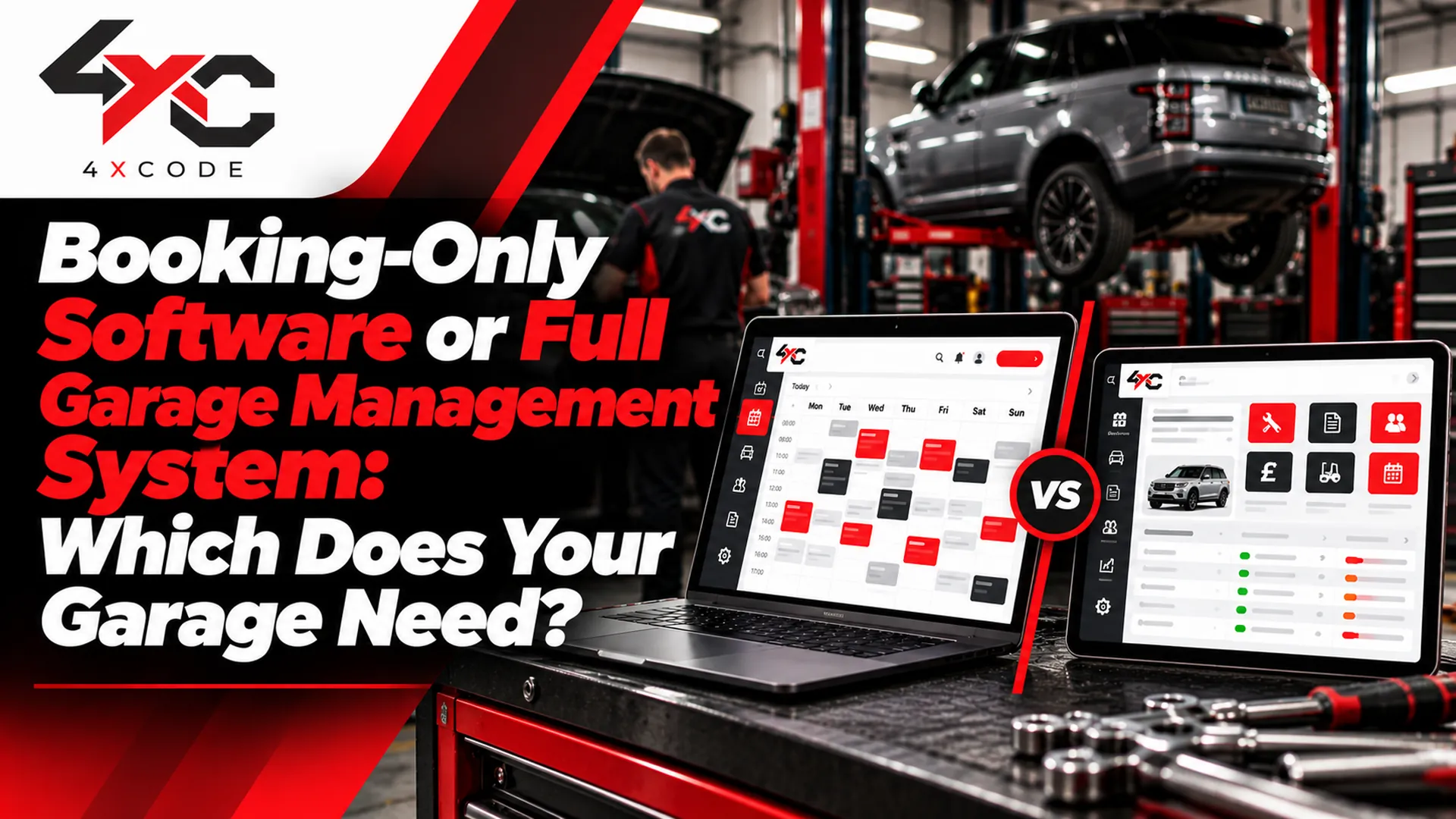
Not every garage needs the same level of software. The right choice depends on how much of your workshop you want to run digitally, and how much you want to keep separate.
A booking-only tool focuses on appointments: the booking page or widget, the diary, confirmations and reminders. A full garage management system adds job cards, estimates, invoicing, inventory, customer relationship management (CRM) and often accounting links.
Factor | Booking-only tool | Full garage management system |
| Main purpose | Take and organise appointments | Run the whole workshop |
| Job cards and invoicing | Usually not included | Usually included |
| Inventory and parts | Not covered | Often covered |
| CRM and vehicle history | Basic or limited | Typically fuller |
| Setup effort | Quicker and lighter | More involved, with more training |
| Cost structure | Usually simpler and lower | Usually higher, with more features |
| Best fit | Garages that already use other tools or want to start simply | Garages that want everything in one place |
Here's how this often plays out by garage type:
- One-person garage: a simple booking page with reminders may be all you need. Avoid paying for features you won't use.
- Independent workshop: consider whether you want bookings, job cards and invoices connected, so details aren't typed twice.
- MOT centre: MOT-specific booking, accurate test durations and expiry reminders matter most.
- Multi-site business: look for diary control across locations, staff permissions and reporting.
Neither option is automatically better. The honest answer is the one that matches how your garage actually works. If you already have software you're happy with, you may only need to add online booking. If your current process is paper and memory, an integrated system may save more time over the long run. We'll tell you plainly which one we think suits you, even if that means starting small.
Can You Add Online Booking to Your Existing Garage Website or Software?
In many cases, yes. The details depend on the product, so ask each provider exactly how it connects. These are the main routes to check:
- A booking widget on your existing website: customers book without leaving your site.
- A hosted booking page: a dedicated page you link to from your website, social profiles or emails.
- A connection to your workshop diary: so online and telephone bookings sit in the same place.
- Payment and accounting links: only if you need them, and only if the provider supports them.
A typical setup follows a simple outline:
- Configure your services and durations. Set realistic times for each type of job.
- Set opening hours and blocked times. Include holidays, training days and breaks.
- Test the full journey. Make a test booking, then cancel and reschedule it.
- Go live. Tell your customers, and watch the first bookings closely.
If you're moving from a paper diary, plan a short overlap. Keep the paper version running alongside the new system for a few days until the whole team is comfortable. Ask any provider what help they offer with that transition.
Not sure which setup suits your garage? Talk to us and we'll recommend the simplest option for how you work.
Is Your Customer Data Safe With Online Garage Booking Software?
It's a fair question, because you're storing customers' names, contact details and vehicle information. Treat data protection as a buying criterion, not an afterthought.
Look for clear answers on:
- Access permissions: can you control which staff see which information?
- Backups: how is your data backed up, and how is it restored?
- Data handling: where is data stored, and who can access it?
- Data export: can you take your records with you if you leave?
Under UK GDPR, your garage remains responsible for how customer data is handled, whichever software you use. Good software helps you meet that responsibility, but it doesn't guarantee compliance on its own. Make sure your privacy notice reflects how you collect and use booking information, and take advice if you're unsure.
How Much Does Garage Booking Software Cost, and How Do You Get Started?
Garage booking software pricing varies a great deal, and the headline monthly figure rarely tells the whole story. Compare the total cost, not just the sticker price.
Here's what drives it:
- Subscription fee: the regular monthly or annual charge.
- Setup fee: some providers charge for onboarding, others don't.
- Contract length: monthly rolling terms and longer commitments carry different risks.
- SMS charges: reminders by text may be included, limited or charged per message.
- Online payment processing fees: taking deposits or payments usually involves a processing charge.
- Booking commission: some services charge per booking, which can add up quickly.
- Optional integrations: accounting, website or other add-ons may cost extra.
Ask every provider for a plain breakdown of these items. A system that looks cheaper can end up costing more once commissions and message charges are added, and a more expensive one may include things you'd otherwise pay for separately.
On return on investment, keep the thinking simple and honest. Online booking can help reduce missed calls, cut administration and fill gaps in the diary. How much it helps depends on your booking volume, your current process and how you set the system up. Add up what you spend on missed enquiries, empty slots and admin time today, and weigh that against the cost. We'd rather you judge it against your own numbers than rely on someone else's percentages.
How Do You Set Up Online Booking for Your Garage, Step by Step?
Getting started shouldn't disrupt your workshop. This is how it works with us:
- Request a demo or trial. See the booking journey and the diary before you commit.
- Confirm your services, hours and workshop capacity. We help you set realistic durations and limits.
- Add the booking widget or page to your website. Customers can start booking straight away.
- Test bookings and reminders. Check confirmations, cancellations and rescheduling before you go live.
- Go live with support. Our team stays available while you and your staff settle in.
Questions to ask any garage booking software provider before you sign:
- Is there a booking commission, or is pricing a fixed subscription?
- What are the contract terms, and how do I cancel?
- Are SMS reminders and online payments included, or charged separately?
- What support do you offer, and during which hours?
- Can I export my customer data if I leave?
- What happens to my diary if there's a technical problem?
Ready to see it in action? Request a demo, or contact us to talk through your garage's needs.
Frequently Asked Questions
How much does garage booking software cost in the UK?
It depends on the provider and what's included. Look at the subscription, any setup fee, SMS and payment charges, commission and contract length together. Ask for a full breakdown so you can compare like for like.
Is there a free garage booking system?
Some providers offer free or low-cost options, usually with limits on features, bookings or support. Check what you give up, and whether commissions or extra charges apply, before treating "free" as the cheapest route.
Can customers book MOTs and services online?
Yes, if the system supports different service types and durations. Check how the provider handles MOT bookings and expiry reminders. Remember that a booking system schedules appointments. It doesn't carry out the MOT test itself.
Can a booking system send automatic SMS reminders?
Many can, and reminders help reduce no-shows. Ask whether SMS is included in the price or charged per message, and how reminders are timed.
Do I need garage management software or just a booking tool?
If you only need appointments and reminders, a booking tool may be enough. If you also want job cards, invoicing, inventory and customer records in one place, consider a full system. The best choice depends on how your garage runs today.
How long does it take to set up online booking?
A simple setup can be quick, while a full management system takes longer because of data entry and training. Ask the provider for a realistic timeline based on your garage, and plan a short overlap with your old diary.
What's the difference between instant booking and a booking request?
Instant booking confirms the appointment as soon as the customer chooses a slot. A booking request waits for the garage to approve it. Both work well, depending on your workshop and the type of jobs you take.
Fill Your Diary, Not Your Inbox: Start With Online Booking That Fits Your Garage
An online booking system for garages won't run your workshop for you. What it does is take a repetitive, interruption-heavy job off your team, so customers can book when it suits them and your diary stays accurate.
The best choice is the one that matches your garage: simple if you want simple, integrated if you want everything in one place. Ask about total cost, be clear about what you need, and test the system before you rely on it.
At 4xcode.com, we'll show you how it works and recommend the setup that suits your workshop, even if that's the smaller option. Request a demo today and see how online booking fits your garage. Request your demo now, or contact us to talk it through.