
The phone rings while you're under a bonnet. You miss it, and that customer books with the garage down the road. Meanwhile, the 10am slot you promised twice sits empty because the customer forgot, and your technician spends 45 minutes waiting for a car that never arrives.
None of this is unusual. It's what happens when a busy workshop runs on a paper diary, a shared spreadsheet or a booking form that sends requests nobody confirms in time.
Garage booking software fixes this by letting customers book real, available slots online, around the clock, while keeping your bays, technicians and MOT tests organised behind the scenes. This guide explains how it works, which features matter, what it costs and how to switch without disrupting your workshop.
Quick answers
- What it is: Software that lets customers book services and MOTs online against your live workshop capacity, then carries that booking through to a job card, invoice and reminder.
- The one feature to check first: Whether it books against real bay and technician availability or only collects requests.
Want to see how 4xcode handles this?
What Is Garage Booking Software and How Does It Work?
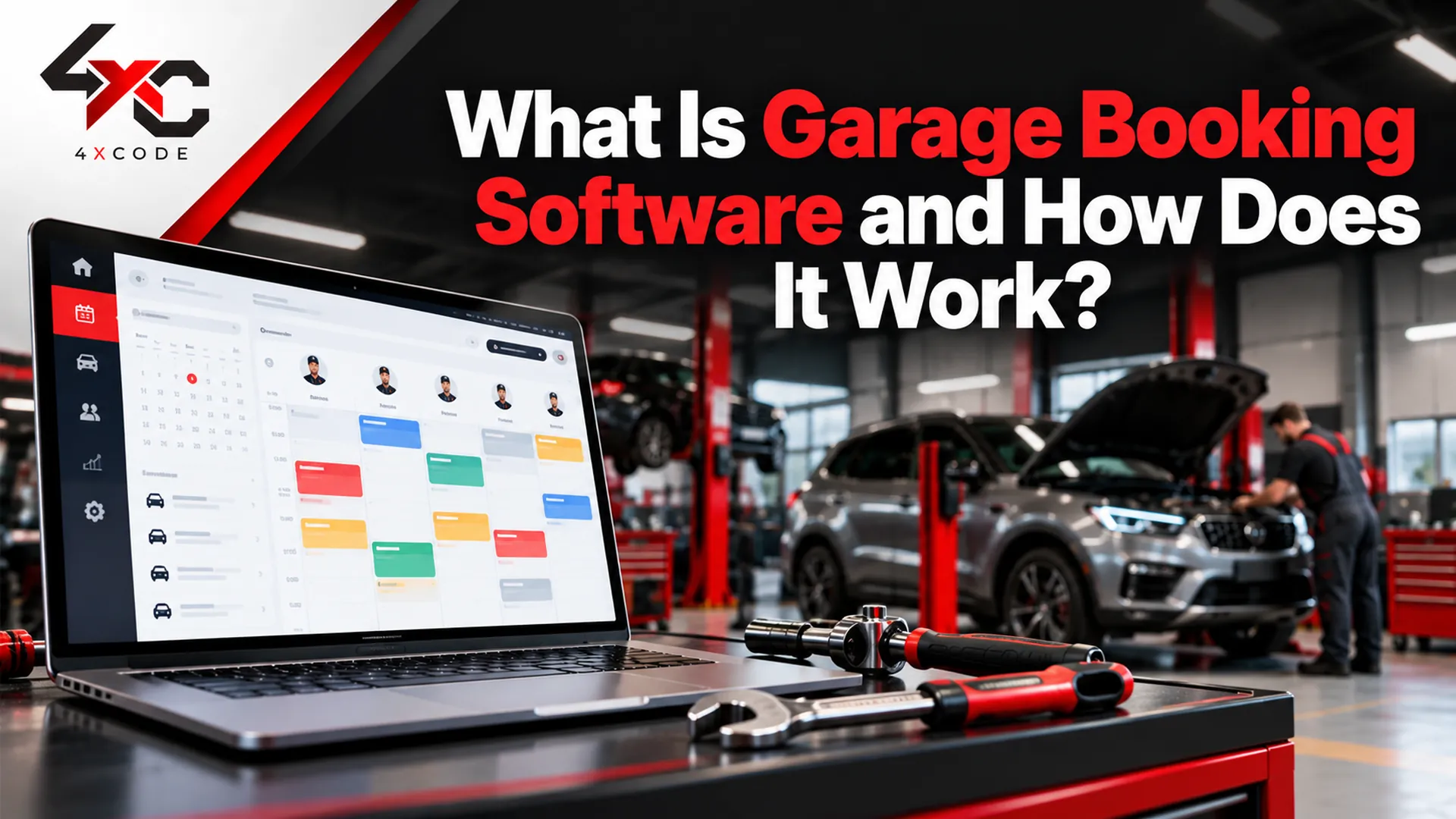
Garage booking software is a digital system that handles appointments for garages, workshops and MOT centres. Customers choose a service, enter their registration number and pick a time. The system checks your live workshop calendar and confirms the booking instantly. The same record then feeds your job cards, customer history, reminders and invoices.
Think of it as the front door and the traffic controller of your workshop. The front door is the online booking page or website widget. The traffic controller is the scheduling engine that decides which slots are genuinely free.
You'll also see it called a garage booking system, workshop booking software, garage appointment software or garage scheduling software. The labels vary, but the job is the same: get the right car into the right bay with the right technician at the right time.
How does a garage booking system turn an online appointment into a job card?
A garage booking system turns an online appointment into a job card by passing the customer, vehicle and service details straight from the booking into your workshop workflow. Nobody retypes anything. The customer picks a service, the system finds a slot that fits, and a job card appears in your diary ready for the technician.
Here's the typical journey:
- The customer selects a service. An MOT, full service, brake check or tyre fit, each with its own expected duration.
- They enter their registration number. Many UK systems use a DVLA lookup to pull the make, model and MOT status, so there's less chance of a wrong entry.
- They see live availability. Only slots that fit the service length, bay and technician capacity are offered.
- They get confirmation. An email or SMS arrives within seconds, and the slot is blocked in your workshop diary.
- A job card is created. The booking becomes a digital job card with customer notes, vehicle history and the work requested.
- Reminders go out. The customer gets a nudge before the appointment, which is one of the most effective ways to reduce no-shows.
- After the job, the record carries on. Estimate approvals, invoice, payment and the next MOT or service reminder all attach to the same file.
That final step is where repeat business comes from. A garage that remembers when a car's MOT expires and reminds the owner in time rarely has to chase new customers.
Why this matters in practice: picture a three-bay independent garage taking bookings by phone. Every call interrupts someone's work, notes get scribbled on whatever's nearby, and the diary is only as reliable as the last person to touch it. With a connected booking system, the same garage takes bookings while the doors are shut, and the day's schedule is waiting on a tablet in the morning.
What's the difference between real-time garage booking software and an online booking form?
This is the distinction most buyers miss, and it affects your daily workload more than almost anything else.
An online booking form collects a request. Someone has to read it, check the diary, phone or email the customer, and agree on a time. The customer hasn't booked anything yet. They've asked.
Real-time garage booking software shows only genuinely available slots, confirms the booking immediately and blocks that time in your calendar. The customer has booked, and your team has done nothing.
Online booking form | Generic appointment tool | Dedicated garage booking software | |
| Shows live availability | No | Yes, but basic | Yes, based on bays and technicians |
| Confirms instantly | No, needs staff follow-up | Yes | Yes |
| Understands service duration | No | Sometimes | Yes, per service type |
| Handles bays and technician skills | No | No | Yes |
| MOT-aware slots and DVLA lookup | No | No | Often, check with your provider |
| Creates a job card | No | No | Yes |
| Links to customer and vehicle history | No | Limited | Yes |
| Risk of double bookings | High | Medium | Low |
Generic tools like a shared Google Calendar work for a one-person operation, but they don't know that an MOT needs the test bay, that a clutch replacement blocks a lift for most of a day, or that only one technician is qualified for hybrid work.
If you currently use a form and spend your mornings confirming bookings by phone, you're doing the software's job by hand.
Which Features Should Garage Booking Software Have Before You Buy?
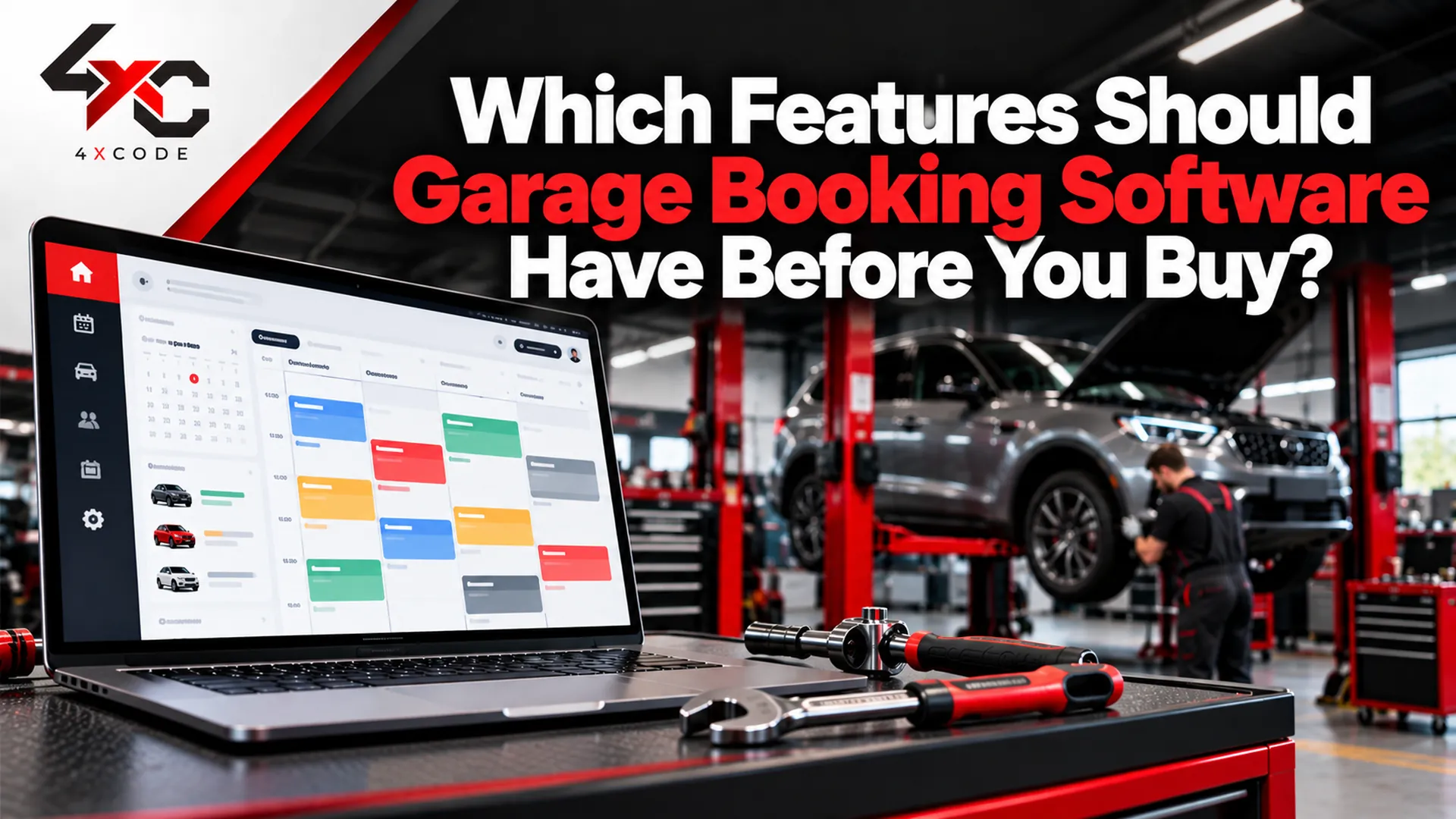
The right features depend on your workshop, but a handful separate software that genuinely saves time from software that adds another screen to check. Before comparing providers, work out which problems cost you the most: double bookings, no-shows, empty bays, slow invoicing or lost repeat business.
Here's what to look for, grouped by the problem it solves.
Can garage booking software manage bays, technicians and MOT slots without double bookings?
It can, provided it schedules against capacity and not just against a clock. Good software treats your workshop as a set of limited resources: service bays, ramps and lifts, technicians with different skills and a fixed number of working hours.
Look for these capabilities:
- Bay and ramp allocation. A brake job and an MOT shouldn't compete for the same space. Bay scheduling stops that clash before it happens.
- Technician availability and workload. The system should know who's in, who's on leave and who's already booked, so one person isn't overloaded while another waits.
- Service duration settings. A 30-minute tyre fit and a four-hour timing belt job need different slots. Durations should be adjustable to your real working pace, not a default guess.
- MOT-aware scheduling. MOT tests need an approved test bay and a qualified tester. Your software should reserve those slots separately and, where supported, use DVLA registration lookups to confirm vehicle details. Remember that MOT testing is regulated by the DVSA, so check how any provider handles MOT-related data.
- Live workshop calendar. Drag-and-drop rescheduling, with changes visible to the whole team instantly.
- Cancellation and rescheduling rules. Customers should be able to move or cancel within limits you set, and freed slots should reopen automatically.
A lesson worth knowing: double bookings rarely come from carelessness. They come from information living in two places, such as a paper diary at the front desk and a phone calendar in the owner's pocket. The fix is a single source of truth that everyone updates and everyone sees.
Does it send reminders, take deposits, and handle invoices and payments (Stripe, Xero, QuickBooks)?
Booking is only the start. The features around it decide whether you actually recover time and revenue.
Reminders and communication. Reminders by SMS, email or WhatsApp, sent before each appointment without anyone remembering to send them, are the simplest way to cut no-shows. Ask whether the provider charges per message, as SMS costs can add up in a busy garage.
Deposits and online payments. Taking a small deposit at booking, or letting customers pay by card link after the job, cuts both no-shows and slow payment. Card payments usually run through a processor such as Stripe, so check which fees apply on top of your subscription.
Estimates, invoices and VAT. You want estimates customers can approve online, VAT-compliant invoices and a clear audit trail from quote to payment. If you use accounting software, check for integrations with Xero or QuickBooks, so figures flow through without re-entry.
Customer and vehicle records. A proper garage CRM stores service history, past invoices and MOT dates against each vehicle. That's what makes targeted reminders possible and what stops you asking a regular customer for their details twice.
Reporting. A simple dashboard showing bookings, bay utilisation, no-show rates and repeat customers tells you whether the software is earning its keep.
Your pre-purchase checklist:
- Books against real bay and technician availability
- Confirms bookings instantly, with no staff follow-up
- Handles MOT slots and, where relevant, DVLA registration lookup
- Sends SMS, email or WhatsApp reminders
- Takes online deposits or payments
- Creates digital job cards from bookings
- Produces estimates and VAT invoices
- Integrates with your accounting software
- Works on mobile for technicians and owners
- Lets you export your data if you ever leave
In honesty: no single product is the best fit for every garage. A one-bay mobile mechanic and a five-site tyre chain need very different things.
How Much Does Garage Booking Software Cost, and How Do You Choose and Switch?
The honest answer to cost is that it depends on your size, the features you need and how a provider structures its pricing. The better question is what it costs you not to have it.
What does garage booking software really cost per month in the UK?
Most providers charge a monthly subscription, but the headline price rarely tells the whole story. Watch for these cost components:
- Pricing model. Some charge a flat fee per garage, others charge per user or per technician. Per-user pricing can climb quickly as your team grows.
- Setup and onboarding fees. Some include them, others charge separately.
- SMS and messaging credits. Reminders are valuable, but per-message costs add up.
- Payment processing fees. Card payments carry processor charges, separate from the software fee.
- Website and widget costs. Adding a booking widget to your existing site may be free or may need developer time.
- Data migration. Importing customer and vehicle records sometimes carries a one-off fee.
- Contract length and cancellation terms. A cheap monthly rate on a long lock-in can cost more than a pricier rolling plan.
- Support and training. Find out whether phone support and onboarding are included.
A simple way to work out ROI. Rather than guessing, use your own numbers:
- Missed calls. How many calls go unanswered each week, and what share would have become bookings?
- No-shows. How many appointments per month are missed, and what's your average job value?
- Empty bay time. How many hours a week does a bay sit unused that could have been filled?
- Admin hours. How long does your team spend confirming bookings, chasing customers and rewriting diary entries?
Illustrative example only: if a garage loses four appointments a month to no-shows at an average job value of lost revenue before counting wasted technician time. Replace these figures with your own to see what's at stake.
If recovering even a few of those jobs covers the subscription, the software pays for itself. If it doesn't, that's a useful answer too.
How do you choose the right software and migrate from a paper diary or old system?
Choosing well takes less time than you'd expect if you follow a structure.
A five-step selection process:
- Map your workflow. Write down how a booking currently travels from first contact to payment. Mark where it slows down or goes wrong.
- Shortlist two or three providers. Match them against your checklist, not against the longest feature list.
- Book a demo. Ask to see your real scenarios: an MOT, a multi-hour repair, a customer rescheduling at short notice.
- Run a trial. Test it with real bookings for a week or two. Involve the technicians and front-desk staff who'll use it daily.
- Plan the switch. Choose a quiet period, agree a cut-over date and keep the old diary available as a backup for the first few weeks.
Migration questions to ask any provider:
- Can you import my existing customer list and vehicle history?
- Can you import past bookings and service records?
- Can I export all my data if I leave? In what format?
- How do you handle GDPR, and where is my data stored?
- How long does training take, and is it included?
Moving from a paper diary is usually easier than moving between software systems, because there's less data to convert. The main task is typing in upcoming bookings and your most active customers. Historical records can often be added gradually.
Frequently Asked Questions
What is garage booking software?
It's a system that lets customers book services and MOTs online against your live workshop availability, then links each booking to job cards, customer records, reminders and invoices.
How much does garage booking software cost in the UK?
Prices vary by provider, team size and features. Compare subscription fees alongside SMS, payment processing and setup costs, and ask for a full quote.
Is there free garage booking software?
Some tools offer free plans or trials, but free versions are usually limited. Check whether they support bay scheduling, reminders and job cards before relying on them.
Do I need a website to use garage booking software?
Not always. Many systems provide a hosted booking page you can share by link, though a widget on your own site usually converts better.
How long does setup take?
Simple setups can be done in a day. Allow more time if you're importing years of customer records or training a larger team.
Is it suitable for small garages?
Yes. Small garages often gain the most, because every missed call or empty slot is a bigger share of their revenue.
Can customers cancel or reschedule online?
Most dedicated systems allow it, within the time limits you set. Freed slots then reopen for other customers.
What's the difference between garage booking software and garage management software?
Booking software focuses on appointments and availability. Garage management software covers the wider workflow: job cards, inventory, invoicing and reporting. Many products combine both.
Ready to Stop Losing Bookings?
Every unanswered call, forgotten appointment and half-empty bay costs money you've already earned the right to. Garage booking software won't fix a workshop on its own, but it removes the daily friction that quietly drains time and revenue.
Start with your biggest problem, whether that's double bookings, no-shows or admin hours, and choose software that solves it with real availability, connected records and honest pricing.